
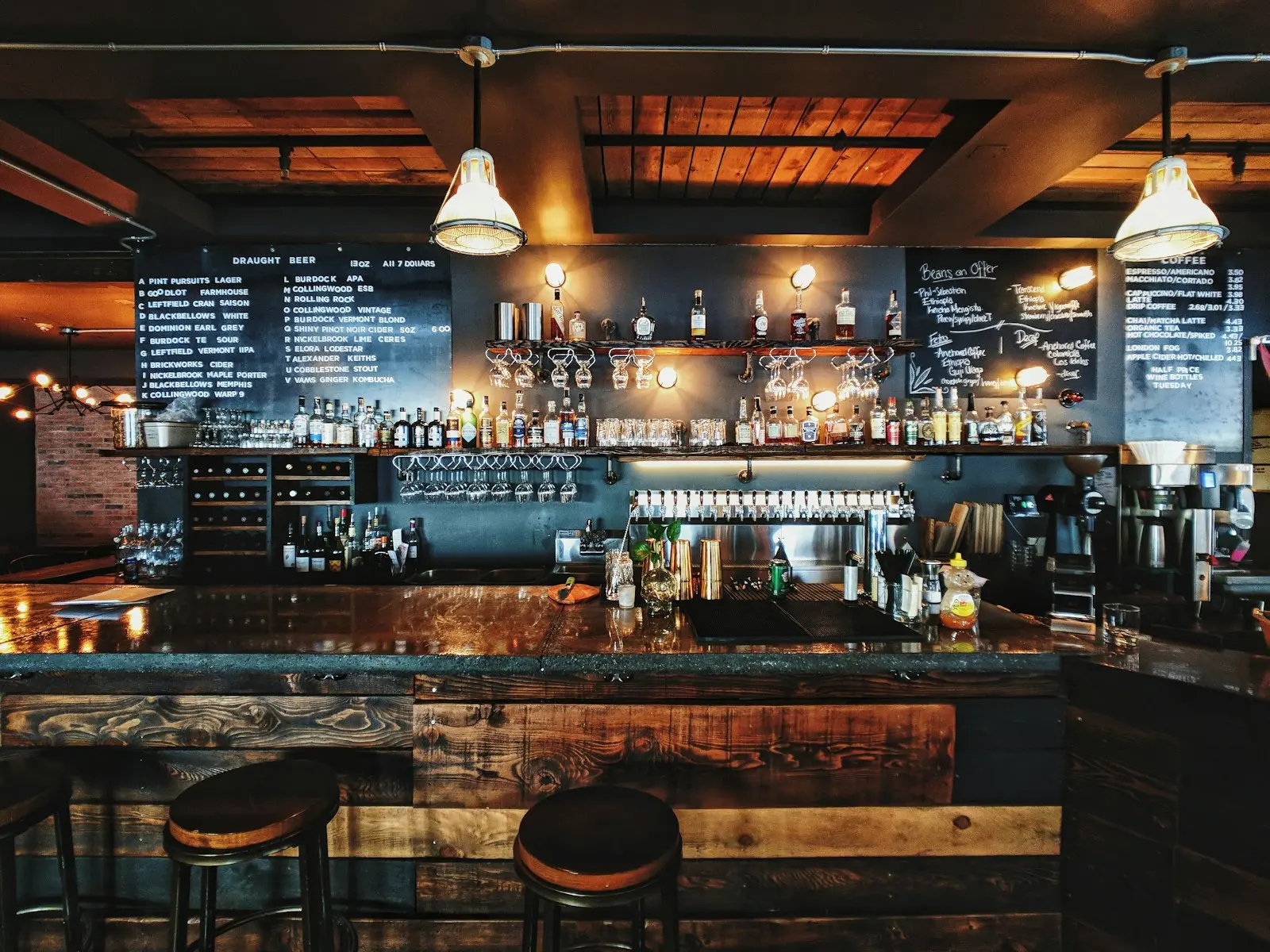
switched on here.
Tabs that stay open
Each table runs a tab through the night. Every round goes on it, and the bill is one tap when they stand up.
Rounds straight to the well
Drink orders route to the bar screen and food to the kitchen, so nobody squints at a scribbled order under a strobe light.
Per-day service hours
Friday closes at 1am, Tuesday at 11. The menu follows your real hours without anyone editing it at midnight.
Requests without waving
A table asks for another round, clean glasses or the bill without leaving their seats, and whoever is nearest claims it.
A Saturday on Zervoo: table 6 opens a tab at nine, adds four rounds without flagging anyone down, and settles one bill at close. The well pours in order; the kitchen sees only food. The room stays loud while the ordering stays quiet. New to it? How QR ordering works on a busy floor.
asked first.
Can guests split a tab?
Not yet. Tabs settle at the table or the counter through your own payment provider, and splitting evenly is on the roadmap.
Do drink and food orders separate?
They do. One guest order sends the drinks to the bar screen and the food to the kitchen display.
What about age-restricted items?
Mark items as counter-confirm: the guest orders from the table, the floor confirms at delivery.
How much does Zervoo cost for a bar?
Per venue, per month. The Menu plan, a QR menu with up to 3 dishes in 3D, starts from £12. Plans with ordering and the kitchen display are quoted after a short call. No setup fee, no per-staff charge and no commission on orders; annual billing saves two months.
How long does it take to train bar staff?
One shift. The kitchen screen has two actions and the floor app has three. Staff sign in with a PIN on a shared terminal, so nobody manages passwords.
What happens if the internet drops on a busy night?
The kitchen display keeps the tickets it already has on screen. New guest orders queue on the guest’s phone and land when the connection returns; staff can also enter orders from a phone on mobile data.
More in the full FAQ · or talk to the people building it.
We build custom solutions for your bar, shaped around how it runs: inside Zervoo or alongside what you already use, down to a guest app in your own brand.
end to end.
ONE SYSTEM · AND CUSTOM WHEN YOU NEED ITNot another menu app. the whole restaurant.
The menu in real 3D and AR, with dish models we make from your photos. Guests order and pay from their own phone.
DashboardEvery order and every number live, with the menu managed from the same screen.
Kitchen displayA screen on the pass tracking every active order, oldest first.
POSWalk-ins, phone orders and settling up at the counter, on the till you already have.
Custom buildsGuest apps and tools built in your brand, inside Zervoo or alongside the systems you already run.